
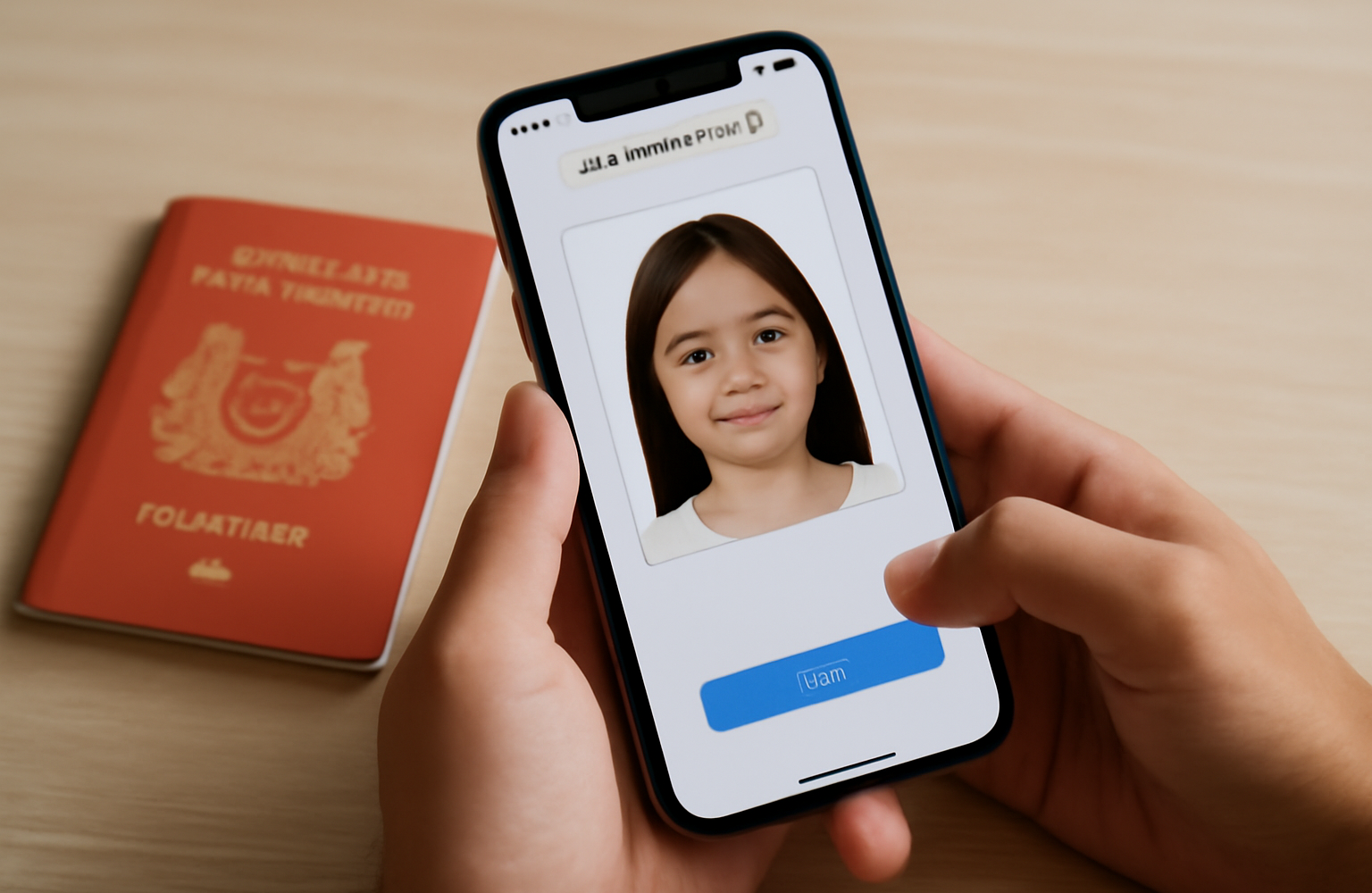
Searching for a free passport photo Singapore option? There are plenty of online tools, mobile apps and photo resizers that promise a compliant photo without a studio visit. Some are genuinely useful; others produce images that get quietly rejected by the system. This guide explains what the free tools can and cannot do, the ICA rules they must meet, and how to decide between DIY and a guaranteed-compliant studio photo.
The free tools: what’s actually out there
The “free passport photo” search covers a few different types of tool, and it helps to know what each one really does.
- Online passport photo makers — upload a photo, and the site crops it to size, replaces the background and outputs a print-ready or digital file. Many are free to preview but charge to download a clean, watermark-free copy.
- Mobile apps — take a photo on your phone, then auto-crop and adjust it to passport dimensions. Convenient, but quality depends heavily on your phone camera and lighting.
- Photo resizers — simple tools that resize an existing image to the required pixel or millimetre dimensions. They resize but do not check compliance.
- Background removers — swap a busy background for plain white. Results vary, especially around hair and edges.
All of these can get you close. The catch is that none of them guarantee your photo meets every ICA requirement — that responsibility stays with you.
The rules any tool must meet (ICA specifications)
Whatever tool you use, the output has to satisfy the Immigration & Checkpoints Authority (ICA) specifications for a Singapore passport photo. In broad terms, that means:
- Recent — taken within the last three months.
- Colour, plain white background — no shadows, patterns or objects behind you.
- Full face, front view — eyes open, mouth closed, neutral expression, looking straight at the camera.
- Correct dimensions and head size — the standard Singapore passport photo is 35mm by 45mm, with the head occupying the specified proportion of the frame.
- No glare, red-eye or heavy shadows, and glasses are generally discouraged; head coverings are only for religious reasons and must not obscure facial features.
- Sharp, well-lit and true to your natural skin tone — no filters or beautification.
For the full breakdown of measurements and common mistakes, always check the current ICA requirements directly, as specifications are periodically updated.
Where free tools fall short
Free tools are convenient, but they introduce real risks that only surface after you have submitted:
- Lighting and shadows — a phone photo at home often has uneven light or a shadow behind the head that a crop tool cannot fix.
- Background edges — automatic background removal can leave a halo around hair or clip parts of the head.
- Head sizing — auto-crop can misjudge the head-to-frame ratio, a frequent rejection reason.
- Colour accuracy — phone processing and filters can shift skin tones away from natural.
- Print quality — a file that looks fine on screen may print soft or off-colour at a kiosk.
A rejected photo means redoing it and, for time-sensitive applications, a frustrating delay. That is the hidden cost of “free”.
How to take a decent DIY passport photo
If you do go the DIY route, give yourself the best chance with these steps:
- Find even, natural light. Face a window so light falls evenly on your face, avoiding harsh overhead shadows.
- Use a plain white wall. Stand far enough from it to avoid casting a shadow.
- Keep a neutral expression. Eyes open, mouth closed, looking straight ahead.
- Have someone else take it. A selfie distorts your features; ask a friend to shoot from a short distance.
- Hold the camera at eye level and keep your head straight, not tilted.
- Use a reputable tool to crop and size to 35mm by 45mm, then review it against the ICA checklist before submitting.
Take several frames and pick the sharpest, most evenly lit one. Even small improvements in lighting and posture make a big difference to whether a photo passes.
DIY tools vs a studio photo booth
| Consideration | Free DIY tools | Studio / passport photo booth |
|---|---|---|
| Cost | Free to low | Modest fee |
| Compliance | Your responsibility | Checked against ICA specs |
| Lighting & background | Depends on your setup | Professional, controlled |
| Reject risk | Higher | Low |
| Best for | Non-urgent, budget-conscious | Time-sensitive, guaranteed result |
DIY is fine when you have time to redo it if needed. When the application is urgent or you simply want it right the first time, a proper studio removes the guesswork. Our passport photo booth in Singapore takes your photo under controlled lighting against a compliant background and checks it against current ICA specifications, so you leave with a photo that passes.
When to skip DIY and use a studio
- Urgent applications where a rejection would cause a real problem.
- Photos for babies and young children, which are notoriously hard to get compliant at home.
- Other ID needs — many passes, work permits and visas have their own specs a studio can handle.
- When you want both print and digital copies ready to go.
If you also need photos for identity cards or passes, our guide to passport and ID photo services covers the formats we shoot, and you can browse our wider photo booth options if you are planning an event alongside your errand.
Frequently asked questions
Are free passport photo tools accepted by ICA?
There is no blanket yes or no — a photo is accepted if it meets ICA’s specifications, regardless of how it was made. Free tools can produce a compliant photo, but they do not guarantee it. You are responsible for checking the result against the current requirements.
What is the Singapore passport photo size?
The standard Singapore passport photo is 35mm by 45mm, in colour with a plain white background and the head occupying the specified proportion of the frame. Always confirm the latest measurements on ICA’s official guidance.
Can I use a phone photo for my passport?
You can, if the lighting, background, framing and head size all meet ICA rules. Ask someone to take it against a plain white wall in even light, then crop it with a reliable tool and review it carefully before submitting.
Why do passport photos get rejected?
Common reasons include shadows or an uneven background, incorrect head size, glare or red-eye, tilted head, closed or squinting eyes, and unnatural colour from filters. Controlled studio lighting avoids most of these.
Is it worth paying for a studio passport photo?
If your application is time-sensitive, involves children, or you simply want it right the first time, yes. A studio photographs and checks the image against ICA specs, giving you a compliant photo and both print and digital copies without the reject-and-redo risk.
Get it right the first time
Free passport photo tools are handy for non-urgent needs and a bit of patience — just check the output carefully against ICA’s rules before you submit. When it matters, skip the guesswork: our passport photo booth in Singapore gives you a compliant photo under proper lighting, checked against current specifications. Have an event coming up too? Explore our photo booth services or get in touch and we will sort you out.